GTA 6 Mission Softlocks and Progression Bugs
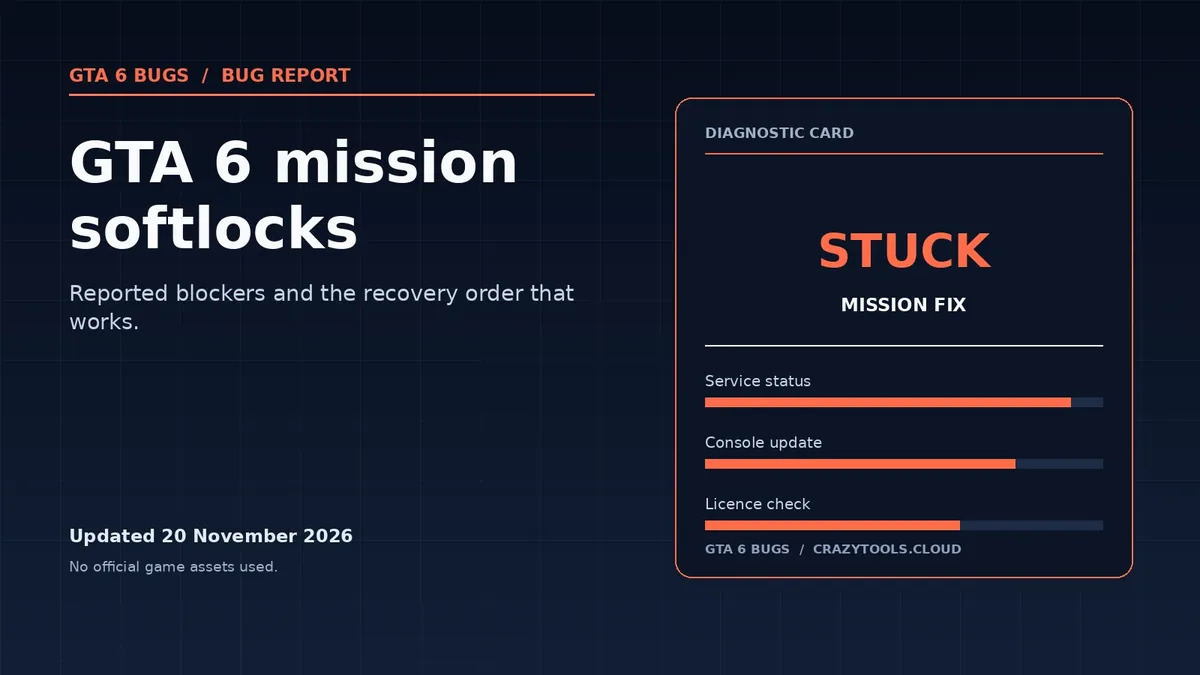
GTA 6 mission softlocks: reported progress blockers, the Coming Home pool bug, safe checkpoint reloads and when to restart a chapter.
On this page
- What counts as a mission softlock?
- Unwanted Attention: the disguise does not register
- Just A Scratch: the Ultimate Edition car kit blocks the engine prompt
- Gone Fishing: the slow-motion rescue does not end
- The bank exit objective does not appear
- Coming Home: the pool break does not register
- What is the general recovery order?
- How do you prevent mission softlocks?
- FAQ
- Does reloading the checkpoint lose mission progress?
- Is the Just A Scratch softlock permanent?
- Can you skip a softlocked mission?
- Are these bugs fixed in the latest patch?
- Bottom line
- Coming Home pool softlock
- Sources and verification
A mission softlock is worse than a crash because the game keeps running while the objective refuses to advance. In GTA 6, players have reported softlocks in story missions, optional robberies, and Ultimate Edition content. This guide collects the known blockers, the workaround order, and the saves you should make before each mission.
What counts as a mission softlock?
A softlock is a state where the mission does not fail and does not continue. The objective marker may stay on screen, the character may lose control, or a scripted action may never trigger. Common signs include:
- A prompt that never appears.
- An NPC who stands still or walks into a wall.
- A cutscene that loops or fades to black.
- A mission timer that stops.
- A “follow” objective that does not update.
If the game shows a fail screen, that is a normal mission failure, not a softlock. Reload the checkpoint and try again. If the game stays silent for more than a minute, treat it as a softlock.
Unwanted Attention: the disguise does not register
Unwanted Attention is one of the most reported early blockers. The mission asks you to change into a disguise before entering a restricted area. Players report that the hat or glasses do not count, even when the character is wearing them.
Try this order:
- Change the full outfit, not one item. Use a complete disguise preset if the mission offers one.
- Remove conflicting accessories. Take off masks, helmets, and glasses that are not part of the disguise.
- Leave the area and return. Walk a block away, then come back so the mission can re-check your clothing.
- Reload the checkpoint. This is usually faster than fighting the detection script.
- Reload a manual save from before the mission. If the checkpoint is already in the broken state, the manual save is the cleanest fix.
Do not shoot your way through the checkpoint if the mission is trying to detect a disguise. That can put the mission into a failed state that looks like a softlock.
Just A Scratch: the Ultimate Edition car kit blocks the engine prompt
Just A Scratch, the Joey mission that introduces vehicle repairs, can softlock if you applied the Ultimate Edition car kit before the mission. The kit removes the damaged engine state that the mission expects, so the restore-engine prompt never appears.
Workarounds:
- Load a save from before you applied the car kit.
- Complete Just A Scratch before installing any Ultimate Edition vehicle upgrades.
- If you are already stuck, reload the checkpoint and do not open the vehicle menu until the prompt appears.
- If the prompt still does not appear, load a manual save from before the mission started.
This is an interaction between a bonus item and a scripted tutorial. It is not a sign that your save is corrupted. See our Ultimate Edition missing bonuses guide for the full entitlement checklist.
Gone Fishing: the slow-motion rescue does not end
Gone Fishing has a reported softlock during the Donnie rescue. If you do not follow Donnie closely, the scripted slow-motion sequence can continue without advancing the objective. The screen stays in slow motion and the mission does not fail.
What to do:
- Reload the checkpoint.
- Stay close to Donnie during the rescue.
- Do not stop to fight enemies unless the objective asks you to.
- If the slow motion starts, keep moving toward the objective marker.
- If the mission does not advance after 30 seconds, reload again.
Some players also report a visual clip with the plane door during this mission. The door may appear to open into the fuselage, but the mission can continue normally. Do not restart the mission just for the door animation unless the objective is also stuck.
The bank exit objective does not appear
A reported softlock in the bank job line happens after the vault. The escape objective does not appear, and the wanted level keeps rising while the exit is unclear. This is more common when you trigger the alarm early or leave a guard alive in the vault area.
Try this:
- Reload the checkpoint and complete the vault stealthily.
- Do not leave the vault until the objective updates.
- If the alarm is already active, fight toward the marked exit instead of waiting.
- If the marker is missing, restart the mission from the pause menu.
- If the restart puts you back in the same state, load a manual save from before the job.
Bank jobs are long, so make a manual save before you start one. The bank jobs guide explains the vault flow and the wanted-level escape.
Coming Home: the pool break does not register
The Coming Home pool bug is a separate issue from the mission softlocks above. The mission can fail to register the pool break, leaving the objective active. We cover the exact steps in the Coming Home pool bug guide. If you are stuck there, use that guide instead of restarting the whole mission.
What is the general recovery order?
When a mission will not advance, work from the smallest reset to the largest. This order preserves the most progress.
- Wait 60 seconds. Some scripted sequences are slow, especially during a wanted-level transition.
- Walk away from the objective and return. This can restart a trigger volume without reloading.
- Reload the checkpoint. Use the pause menu, not the console's close-game button.
- Restart the mission. This resets the script but keeps your story progress.
- Load a manual save from before the mission. This is the cleanest fix for a broken checkpoint.
- Restart the game. Close it completely and relaunch before loading the save.
- Reinstall only if the same mission breaks on every save. A reinstall rarely fixes a script bug, but it can fix a damaged file.
Do not delete your save data. If you are on PS5, upload a backup to cloud storage before you try a reinstall.
How do you prevent mission softlocks?
- Make a manual save before every story mission.
- Keep two or three rotating save slots.
- Do not install Ultimate Edition vehicle upgrades before the related tutorial mission.
- Follow the NPC at the intended pace during escort missions.
- Do not leave the mission area to explore unless the objective allows it.
- Close the game after a long session instead of using Quick Resume.
- Install patches before starting a new chapter.
If a mission breaks twice in the same place, change your approach. A different entry route, a quieter approach, or a different weapon can avoid the trigger that is failing.
FAQ
Does reloading the checkpoint lose mission progress?
It resets you to the last checkpoint, which may be a few minutes back. It does not delete your save or your story progress.
Is the Just A Scratch softlock permanent?
No. It is an interaction with the Ultimate Edition car kit. Load a save from before the kit or before the mission and complete the tutorial first.
Can you skip a softlocked mission?
GTA 6 does not offer a mission skip in the pause menu. You must reload a checkpoint or an earlier save. If the mission is optional, you can leave it and return later.
Are these bugs fixed in the latest patch?
Some may be improved, but players are still reporting them as of November 20, 2026. Install the latest update and keep a manual save before each mission.
Bottom line
Most GTA 6 mission softlocks come from a script waiting for a state the game cannot reach. Reload the checkpoint first, then a manual save. For Unwanted Attention, change the full disguise. For Just A Scratch, avoid the Ultimate Edition car kit until the tutorial is done. For Gone Fishing, stay close to Donnie. Keep rotating saves so a broken checkpoint never costs you a whole chapter.
Coming Home pool softlock
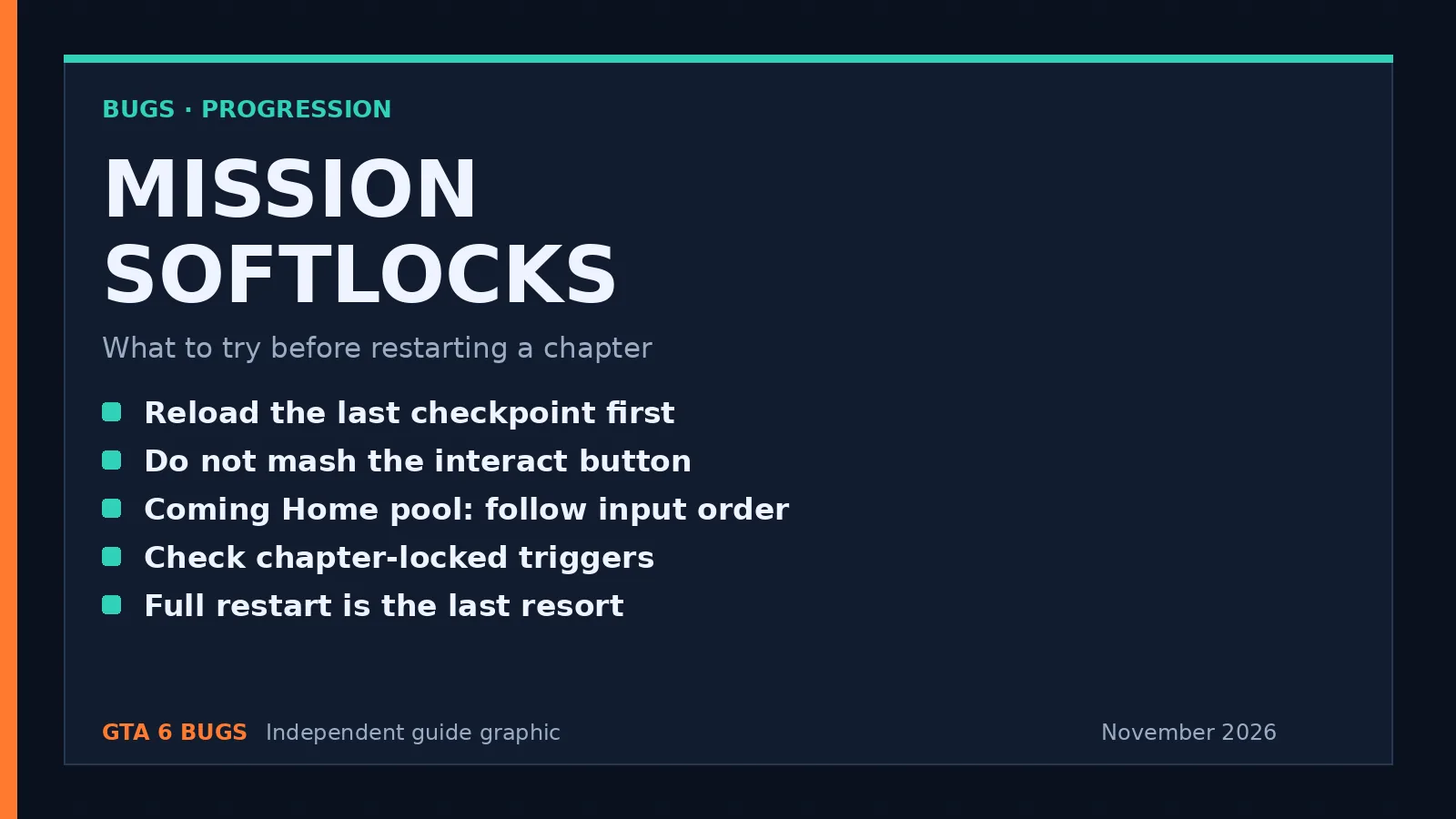
The reported pool softlock in Coming Home happens when the scene's input prompt and the objective update get out of sync. Pressing the interact button repeatedly, or skipping the animation, can leave Jason or Lucia standing in the pool with no next objective.
Reload the last checkpoint, wait for the prompt to appear, then follow the on-screen inputs in order. Do not mash the button. If the objective still does not update, close the game and relaunch before retrying the checkpoint; a full chapter restart is rarely necessary.
Sources and verification
This article draws on public sources and verifiable player reports. It is not a hands-on lab test, and claims that are not officially confirmed are described as reported. Read our editorial policy for how we label, review and correct information.
Last reviewed: November 23, 2026.