GTA 6 Can't Connect to Rockstar Servers: PS5 and Xbox Fixes
GTA 6 can't connect to Rockstar servers? Check PSN and Xbox status first, then fix your connection, DNS, NAT, and offline play settings.
On this page
- What "Can't Connect" Means in GTA 6
- Which Service Is Down?
- Step 1: Check the Status Pages
- Step 2: Test Your Own Connection
- Step 3: Restart in the Right Order
- Step 4: Turn On Offline Play Before the Next Outage
- Step 5: Fix Rockstar Account Sign-In
- Step 6: Check DNS and NAT
- Step 7: Fix Licence Errors
- Outage vs Crash
- What Not to Do
- When to Contact Support
- FAQ
- Is GTA 6 online?
- Can I play GTA 6 offline?
- Why does GTA 6 say it cannot connect when my internet works?
- Will reinstalling fix a connection error?
- How long do launch server problems last?
- Bottom Line
- Sources and verification
GTA 6 is a single-player game. There is no GTA 6 Online mode, and Rockstar has not announced one. So when players say "GTA 6 servers are down," they usually mean one of four services: PlayStation Network, the Xbox network, Rockstar's account and store services, or their own internet connection.
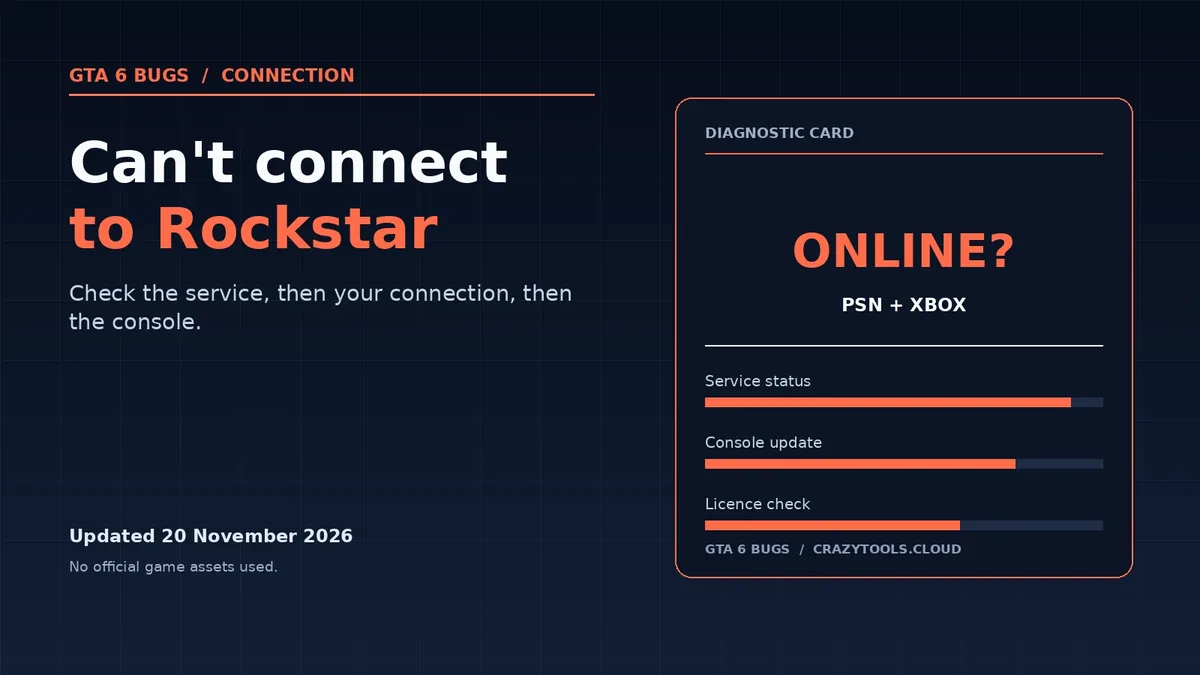
That matters because reinstalling a 200 GB game will not fix a PSN outage. Check the service first, then your connection, then the console. This guide follows that order.
What "Can't Connect" Means in GTA 6
GTA 6 can need a connection for:
- The first launch and licence check.
- Store and entitlement checks.
- Linking or signing in to a Rockstar Games account.
- Downloading updates.
- Cloud saves.
It does not need a persistent connection to play the story once the game is installed and the licence is cached. The PlayStation Store lists GTA 6 with offline play, and the Xbox Store says some features may need the internet or a Rockstar account.
If the story will not start at all, that is usually a licence or install problem, not a gameplay server.
Which Service Is Down?
- Store, downloads, or sign-in fail on the console menu: PlayStation Network or Xbox network.
- GTA 6 shows a lock or a price even though you bought it: licence check or the wrong account.
- The game starts but Rockstar account sign-in fails: Rockstar's services.
- Every app is slow or offline: your internet or router.
- The game will not start and the console asks for an update: the required system update is missing.
Match the symptom before you change settings.
Step 1: Check the Status Pages
Check all three, in this order:
If any of them shows a problem, wait. Do not change console settings during an outage. You can make a temporary problem worse by cancelling a download that would have resumed.
If the pages are green but many players report the same issue, the service may be overloaded rather than down. Give it 15 to 30 minutes.
Step 2: Test Your Own Connection
PS5:
- Go to Settings > Network > Connection Status.
- Select Test Internet Connection.
- Check whether the console reaches the internet and signs in to PSN.
- Note the NAT type.
Xbox Series X|S:
- Press the Xbox button.
- Go to Profile & system > Settings > General > Network settings.
- Select Test network connection.
- Note the NAT type and any error.
If the test fails, the problem is at your end. If it passes but GTA 6 still cannot connect, the problem may be the game's service or your account.
Step 3: Restart in the Right Order
- Close GTA 6 completely.
- Turn off the console. Do not use rest mode.
- Unplug the router and modem for 30 seconds.
- Plug the router back in and wait for the lights to settle.
- Turn the console back on.
- Launch GTA 6.
On Xbox, also quit the game from the guide and remove it from Quick Resume before you restart. A suspended session can hold an old connection.
If you can, use an Ethernet cable for the test. It removes Wi-Fi interference from the equation.
Step 4: Turn On Offline Play Before the Next Outage
The setting that lets a console start a digital game without an online check needs to be enabled while the network is working. You cannot enable it during an outage.
PS5:
- Go to Settings > Users and Accounts > Other.
- Select Console Sharing and Offline Play.
- Select Enable.
Xbox:
- Go to Settings > General > Personalization > My home Xbox.
- Select Make this my home Xbox.
Launch GTA 6 once while you are online so the licence is cached. After that, these settings give you a better chance of starting the story when the network is down.
Step 5: Fix Rockstar Account Sign-In
If GTA 6 asks you to sign in to or link a Rockstar Games account and it keeps failing:
- Check the Rockstar status page.
- Make sure you are using the right email address.
- Do not create a second account to work around the error. That can make linking harder later.
- Try again after 15 to 30 minutes.
- If you are on a shared console, check that you are signed in to the correct platform account.
Launch-week traffic is the usual cause. The story should still be playable if the game has already started.
Step 6: Check DNS and NAT
DNS problems can cause "cannot connect" errors even when the internet works.
PS5:
- Go to Settings > Network > Settings > Set Up Internet Connection.
- Select your connection and press Options.
- Choose Advanced Settings.
- Set DNS Settings to Manual.
- Enter 8.8.8.8 as primary and 8.8.4.4 as secondary.
- Leave the rest on Automatic.
Xbox:
- Go to Settings > General > Network settings > Advanced settings.
- Select DNS settings.
- Choose Manual.
- Enter 8.8.8.8 and 8.8.4.4.
For NAT:
- PS5 Type 2 or Xbox Moderate is normal behind a router.
- Type 3 or Strict can cause connection problems.
- Turn on UPnP on your router if it is off.
- If you have two routers, you may have double NAT. That needs a router change, not a console change.
Do not expose the console directly to the internet or put it in a DMZ just to fix a launch-week error.
Step 7: Fix Licence Errors
If GTA 6 says you do not own it:
- PS5: Settings > Users and Accounts > Other > Restore Licenses.
- Xbox: sign in with the buying account and set the console as its Home Xbox.
If that fails, check the store purchase history before you buy the game again. Our GTA 6 Xbox errors guide covers 0x803F8001 in detail.
Outage vs Crash
- The game closes with a code: that is a crash or application error. Use the PS5 error codes guide.
- The game stays open but says it cannot connect: this is a network or service problem.
- The console shuts off: stop and contact the console maker. That is not a server issue.
- Only one game is affected: check that game's update and licence before you blame the network.
What Not to Do
- Do not factory reset the console during an outage.
- Do not delete GTA 6 before checking the status pages.
- Do not buy the game again on a second account.
- Do not create a second Rockstar account to bypass a linking error.
- Do not put the console in a DMZ.
- Do not use third-party "network booster" apps.
- Do not assume a rumoured server fix is real. Check official status pages.
When to Contact Support
Contact PlayStation Support or Xbox Support if:
- The console fails its own network test.
- Sign-in fails on every device in the house.
- The store says you do not own a game you bought.
- The console cannot download any game, not just GTA 6.
Contact Rockstar Support if:
- Only GTA 6 cannot reach Rockstar services.
- Rockstar account linking fails after the status page is green.
- The game shows a Rockstar-specific error.
Include your platform, region, account email (not password), the exact error, the time it happened, and what you have tried.
FAQ
Is GTA 6 online?
No. GTA 6 launched as a single-player game, and Rockstar has not announced a GTA 6 Online mode. "Server" problems usually mean PSN, Xbox network, or Rockstar account services.
Can I play GTA 6 offline?
Yes, once the game is installed and the licence is cached. On PS5, enable Console Sharing and Offline Play. On Xbox, set the console as your Home Xbox.
Why does GTA 6 say it cannot connect when my internet works?
The console may reach the internet but fail to reach PSN, Xbox services, or Rockstar. Check the status pages and test the console's own connection.
Will reinstalling fix a connection error?
Usually not. A reinstall only makes sense if the install is damaged. It will not fix an outage, a licence mismatch, or a router problem.
How long do launch server problems last?
It varies. Launch-week congestion often clears in hours, but an outage can last longer. The status pages are the only reliable source.
Bottom Line
Check Rockstar, PSN, and Xbox status before you touch the console. Test the console's connection, restart the router and console in the right order, and use a wired connection if you can.
Turn on offline play while the network is working. Do not reinstall, factory reset, or buy the game again to fix an outage.
Sources and verification
This article draws on public sources and verifiable player reports. It is not a hands-on lab test, and claims that are not officially confirmed are described as reported. Read our editorial policy for how we label, review and correct information.
Last reviewed: November 23, 2026.