GTA 6 Storage Guide: Install Size, SSD, and Expansion Cards
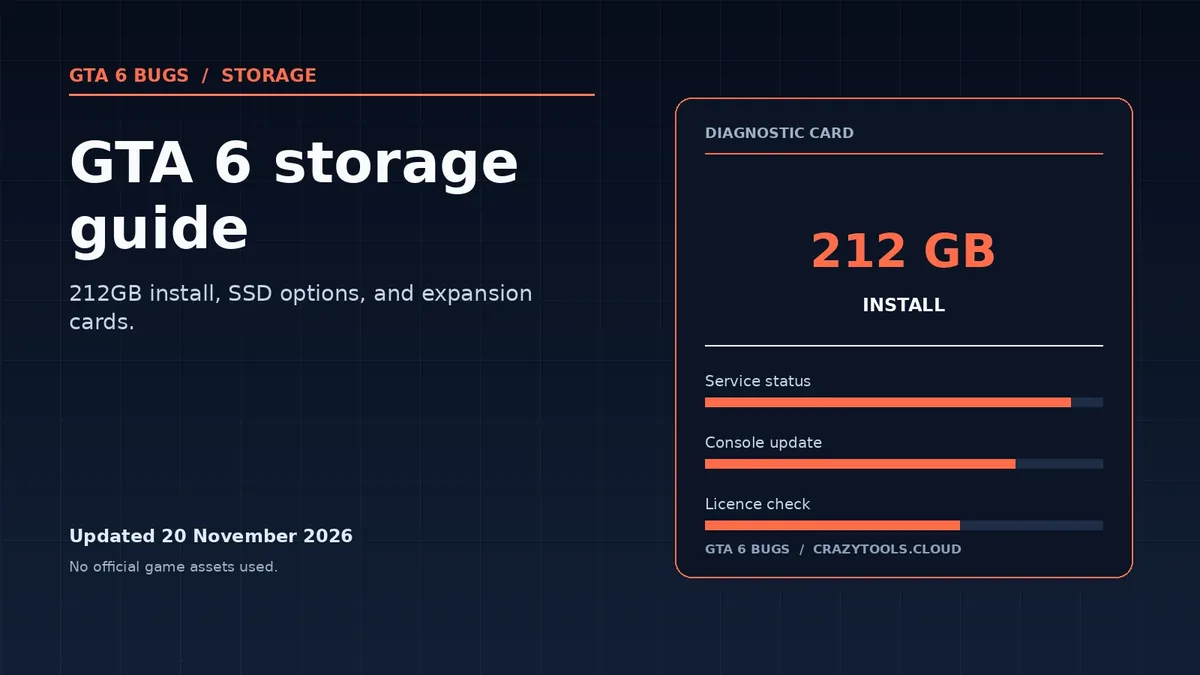
GTA 6 needs up to 212GB. Here is how to free space, use an M.2 SSD or Xbox expansion card, and avoid a failed install.
On this page
- How big is the GTA 6 install?
- Why does the console need extra free space?
- How do you free up space on PS5?
- What SSD should you buy for PS5?
- What storage should you buy for Xbox?
- Can you play GTA 6 from an external drive?
- How do you avoid a failed install?
- Does GTA 6 need a day-one patch?
- How much space will future updates need?
- Should you buy the digital or boxed version?
- FAQ
- Is GTA 6 really 212GB?
- Can I install GTA 6 on a USB drive?
- How much free space should I leave?
- Does the boxed version include a disc?
- Bottom line
- Sources and verification
- Related guides
GTA 6 is a large game. Rockstar lists the install at up to 212GB, and the exact size depends on your console, region, and installed updates. If your drive is nearly full, the download can fail or the game can stutter while streaming assets. This guide covers the real storage requirements, the right SSD options for PS5 and Xbox, and how to make room without deleting your saves.
How big is the GTA 6 install?
The official figure is up to 212GB. That is the number to plan around. The base install may be slightly smaller on some platforms, but updates and temporary files can push it back up.
The game is digital-only at launch. Boxed copies contain a code, not a playable disc. That means you cannot install from a disc to save space or avoid the download. You need enough free space for the full download plus the install process.
Leave a buffer. A 212GB game on a 220GB free drive is not enough. The console needs room to download, unpack, and apply patches. Aim for at least 250GB free before you start.
Why does the console need extra free space?
A download is not a single file that appears in its final form. The console downloads a package, verifies it, unpacks it, and then deletes the package. During that process, you can temporarily need more space than the final install size.
Patches work the same way. A large update may need free space equal to the patch size plus some overhead. If the drive is full, the update can fail with a generic error or leave the game in a partial state.
Keep at least 10% of the drive free for normal operation. For a 1TB console, that is about 100GB. For a 512GB Series S, it is about 50GB, which is not much after GTA 6.
How do you free up space on PS5?
Start with games you are not playing. Do not delete GTA 6 save data.
- Open Settings > Storage.
- Select Console Storage.
- Choose Games and Apps.
- Sort by size and delete the largest games you do not need.
- Move PS4 games to a USB extended storage drive if you still play them.
- Delete old captures and screenshots from Media Gallery.
- Clear the download cache if a download is stuck.
PS5 games must run from the internal SSD or an M.2 SSD. You can store PS5 games on a USB drive, but you cannot play them directly from it. Moving a game to USB and back is slower than deleting and reinstalling, so use it only for games you want to keep without playing.
What SSD should you buy for PS5?
The PS5 supports an internal M.2 NVMe SSD. It must meet Sony's requirements:
- PCIe Gen4 x4 interface.
- 250GB to 8TB capacity.
- Read speed of at least 5,500MB/s.
- A heatsink, unless the SSD comes with one that fits the PS5 bay.
A Gen4 drive without a heatsink can overheat and throttle. Buy a model that explicitly lists PS5 compatibility, or add a low-profile heatsink. Do not use a Gen3 drive; it will not work in the expansion slot.
The internal SSD is the best place for GTA 6. It has the fastest load times and avoids the USB transfer bottleneck.
What storage should you buy for Xbox?
Xbox Series X|S optimized games must run from the internal SSD or an official Storage Expansion Card. A USB drive can store the game, but it cannot run it.
The expansion card is expensive, but it is the only way to add fast storage that behaves like the internal drive. If you only need more space for older games, a USB 3.0 drive is fine for Xbox One and backward-compatible titles.
For GTA 6, the internal drive is the simplest option. If you fill it, move another optimized game to the expansion card rather than moving GTA 6 to USB.
Can you play GTA 6 from an external drive?
No. On PS5, you cannot run a PS5 game from a USB drive. On Xbox, you cannot run a Series X|S optimized game from a USB drive. You can store the game there, but you must move it back to the internal SSD or expansion card to play.
This is a console limitation, not a GTA 6 restriction. Do not buy a cheap external SSD expecting to run the game from it.
How do you avoid a failed install?
A failed install is usually a space or network problem. Try these steps:
- Free up at least 250GB before you start.
- Use a wired network connection if possible.
- Pause other downloads and game updates.
- Do not put the console in rest mode during the first install.
- If the download stalls, pause and resume it once.
- If it fails repeatedly, delete the partial install and start again.
- Check the console's system update before retrying.
If the console reports a corrupted download, clear the cache or rebuild the database. On PS5, use Safe Mode. On Xbox, power cycle the console. Do not delete your saves. If the install finishes but the game will not start, see our Xbox error guide.
Does GTA 6 need a day-one patch?
Yes, a day-one patch is part of the launch install. The patch can be several gigabytes, and it may include performance fixes and content updates. Plan for the patch size on top of the base install.
If you preloaded the game, check for the patch before you launch. A preload without the patch can show a black screen or a version mismatch. See our black screen guide if the game hangs after the install.
How much space will future updates need?
Rockstar supports its games for years, so expect updates. A live-service-style game can grow by tens of gigabytes over time. GTA 6 is a single-player release, but it will still receive patches and content updates.
Keep at least 50-100GB free after the install. If you are on a 512GB Series S, consider an expansion card or a habit of deleting completed games.
Should you buy the digital or boxed version?
The boxed version contains a code for the digital game. It does not include a playable disc. The install size is the same as the digital version.
Buy the version that gives you the best price or the bonus content you want. Do not buy a disc expecting to save storage space. You cannot install part of the game from the disc and skip the download.
FAQ
Is GTA 6 really 212GB?
Rockstar lists the install at up to 212GB. The exact size can vary by platform, region, and updates.
Can I install GTA 6 on a USB drive?
You can store it, but you cannot run it. PS5 games need the internal or M.2 SSD. Xbox Series X|S games need the internal SSD or Storage Expansion Card.
How much free space should I leave?
At least 250GB before installation, and 50-100GB free afterward for patches.
Does the boxed version include a disc?
No. The boxed version contains a code for the digital game.
Bottom line
Plan for a 212GB install and at least 250GB of free space. Put GTA 6 on the internal SSD, or an M.2 drive on PS5 and a Storage Expansion Card on Xbox. Do not rely on USB storage to run the game. Keep a buffer for patches, and free space before you start the download so the install does not fail halfway through.
Sources and verification
This article draws on public sources and verifiable player reports. It is not a hands-on lab test, and claims that are not officially confirmed are described as reported. Read our editorial policy for how we label, review and correct information.
Last reviewed: November 23, 2026.